
Free
Widget Setup
All Sources
MMK + Nausys + Direct
1 Script Tag
Easy Install
Real-Time
Live Availability
How It Works
One Widget, All Your Boats
Most charter operators manage boats across multiple systems — MMK, Nausys, Google Calendar, even spreadsheets. Our widget pulls availability from all connected sources in real time. Your guests see one unified search experience with accurate dates and pricing, regardless of where each boat is managed.
Why Our Widget Wins
Pros
- Free to install — commission only on completed bookings
- Real-time availability from MMK, Nausys, and direct listings
- Fully customizable colors and layout to match your brand
- Mobile-responsive out of the box
- SEO-friendly — widget content is indexable
- No iframes — renders natively in your page
- Priority and Exclusive modes for full control
Cons
- Competitor widgets charge monthly fees
- Most only support one booking system
- Iframe-based widgets break on mobile
- Generic styling that clashes with your brand
- No control over which boats appear
Two Layout Options
Choose the layout that fits your website design. Both are fully responsive and work on all devices.
Inline Layout
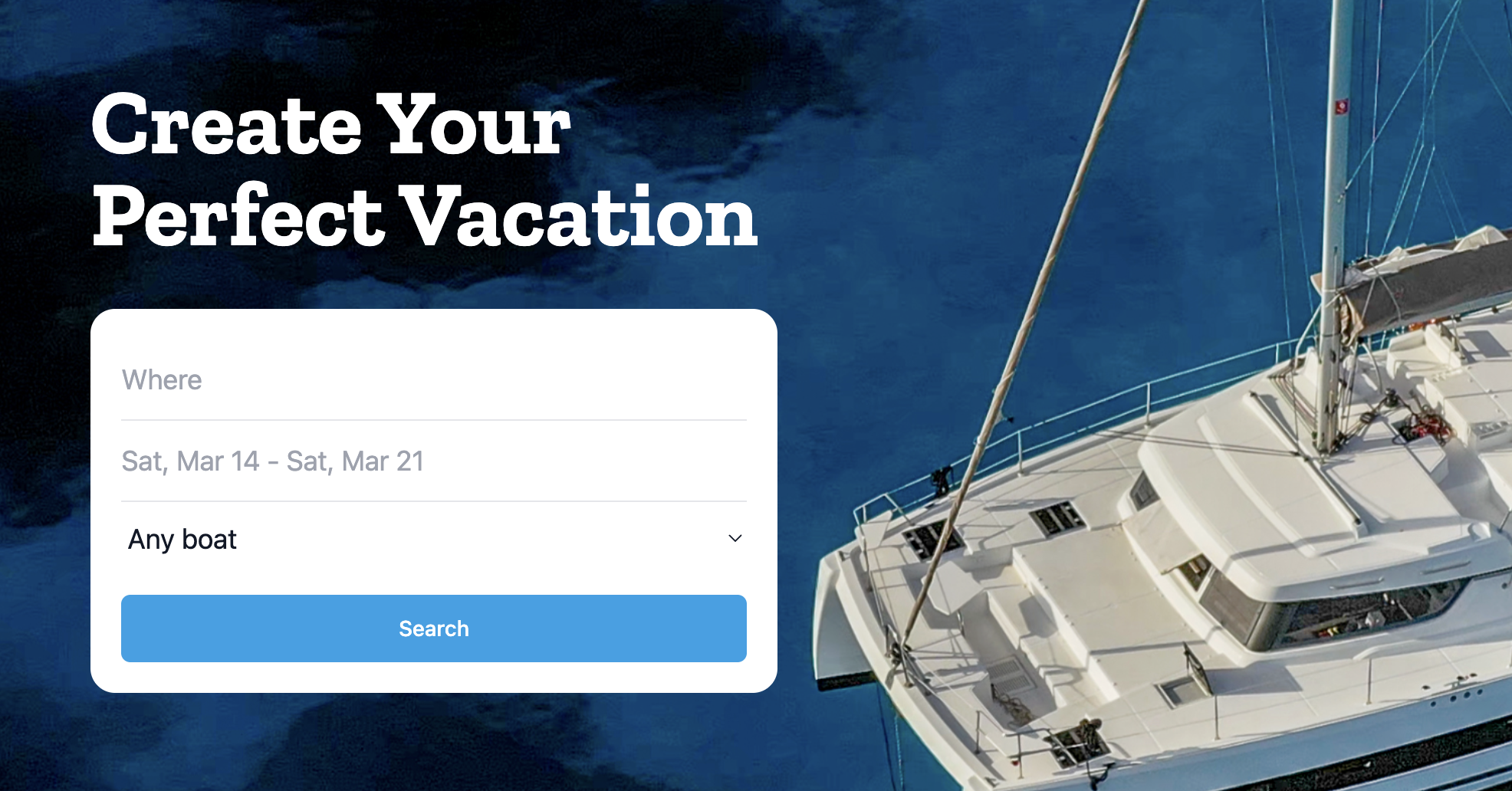
- Horizontal search bar
- Minimal footprint
- Great for hero sections
Box Layout
- Card-style container
- Filters + results
- Great for booking pages
Priority vs Exclusive Mode
Control exactly what your guests see when they search.
Priority Mode
- Your boats featured first
- Marketplace boats fill gaps
- Earn on all bookings
Exclusive Mode
- Only your boats shown
- Full brand control
- No competitor listings
Built-In Analytics
Track how your widget performs with real-time analytics in your dashboard.
Impressions
See how many visitors view your widget each day
Searches
Track what dates and locations guests are searching for
Click-Throughs
Monitor which boats get the most interest from your website visitors
Bookings
See completed bookings attributed to your widget with full revenue breakdown
Revenue
Track total booking revenue generated through your embedded widget
Easy Setup
Adding the widget to your website takes less than a minute. Configure your preferences in the dashboard, then paste the generated code into your site:
<div id="charter-boats-widget"></div>
<script src="https://charter.boats/widget.js"
  data-company="your-company-id"
  data-layout="inline"
  data-mode="priority"
  data-color="#0066cc">
</script>
That's it. The widget loads asynchronously, so it won't slow down your page. It works with any website builder — WordPress, Wix, Squarespace, Webflow, or plain HTML.
The widget is completely free to install and use. We only charge a commission on completed bookings made through the widget — the same rate as bookings made directly on charter.boats.
Yes. You can set your brand color, choose between inline and box layouts, and select priority or exclusive mode. The widget automatically adapts to your site's font and spacing.
The widget works with any website that supports HTML — WordPress, Wix, Squarespace, Webflow, Shopify, and custom-built sites. Just paste the script tag wherever you want the widget to appear.
About 60 seconds. Configure your preferences in the dashboard, copy the code snippet, and paste it into your website. Boats appear immediately with real-time availability.
No. The widget script loads asynchronously and is under 15KB gzipped. It won't affect your page load time or Core Web Vitals scores.
The widget automatically shows availability from all connected sources — MMK, Nausys, and direct listings. Guests see unified results with accurate, real-time pricing and dates.
Set Up Your Widget
Configure your booking widget in under a minute and start driving direct bookings from your website today.
Set Up Your Widget